
Microsoft 365 Copilot Organizational Prompts: 5 Rules
A tenant limit of 1,000 prompts is capacity, not a target. If users must search through hundreds of vague examples, a central prompt library simply becomes another content graveyard.
Microsoft 365 Copilot organizational prompts can bring approved, reusable work patterns directly into Copilot Chat, Edge, and Teams. The opportunity is real, but the feature is currently a Frontier preview – so start with a governed catalog, not a bulk upload.
The Problem
Most prompt libraries fail for an ordinary reason: they organize clever wording instead of repeatable work. Titles drift, owners disappear, duplicate prompts compete, and localized users receive content they cannot reuse.
Organizational prompts make quality more important because suggestions can appear in the prompt lab, as pinned recommendations, and while users type. Low-signal content now enters the workflow instead of waiting in a forgotten document.
The nugget
Use five operating rules:
| Rule | Practical standard |
|---|---|
| Own it | Every prompt has a business owner and review date |
| Name the outcome | Describe the task and output, not “use AI to…” |
| Classify it | Use consistent task type, department, language, and supported app fields |
| Localize deliberately | Create separate prompts per language; automatic translation is not available |
| Measure and retire | Review active users and submissions, then improve or remove weak prompts |
AI Administrators and Search Editors can manage the catalog. Microsoft documents a maximum of 1,000 published prompts, bulk imports of up to 100 prompts, and a typical delay of about three hours before prompts appear in the prompt lab.
Why This Matters
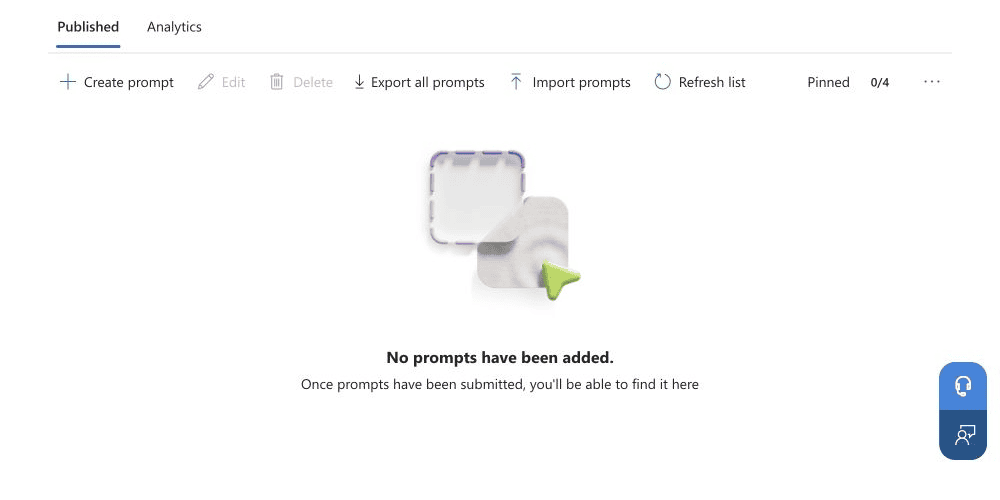
Users encounter organizational prompts in three ways: suggested prompts, the searchable prompt lab, and autosuggest while typing. Up to four prompts can be pinned, effectively creating a small editorial front page for priority work.
That distribution deserves product management. A prompt for “Create a customer-ready incident update from these notes” has a clear job and output. “Help me communicate better” does not.
Analytics make iteration possible. Admins can review active users and total submissions over 7, 14, or 28 days. Those numbers show reach and reuse, but not answer quality. Combine them with lightweight user feedback and periodic output review.
The preview status matters. Frontier features are subject to preview terms and can change. Confirm tenant availability, avoid business-critical dependency without a fallback, and keep an exported catalog for recovery.
What Admins Should Do
Start with 20 prompts across two departments:
- Select recurring, measurable tasks with clear inputs and outputs.
- Assign a business owner and an AI admin reviewer to each prompt.
- Apply a controlled naming and classification scheme.
- Create separate language versions where the audience needs them.
- Pin four priority prompts, wait for propagation, and run a 28-day pilot.
- Review usage and feedback; revise, promote, or retire each prompt.
Do not import a legacy spreadsheet unchanged. Bulk import is useful for controlled migration, not for bypassing editorial review.
Verification Path
Publish one pilot prompt, wait for the documented propagation window, and verify it in the prompt lab, the correct Copilot surfaces, and autosuggest. Confirm that selecting it fills the message box without automatically submitting it. Then verify that analytics begin recording active users and submissions.
Pro Tip
Treat the four pinned prompts like a rotating homepage. Use them for time-sensitive, high-value tasks, then replace them when adoption stabilizes instead of letting the same prompts occupy the most valuable discovery space forever.
Sources
Head of AI
Jannik brings deep expertise in AI integration, modern infrastructure, and enterprise transformation at scale.
Leading Expert
Florian specializes in Intune, endpoint management, and security with extensive real-world enterprise experience.