
Start Your Foundry Copilot Harness Pilot With Read-Only Skills
An agent needs to read a checklist and apply it to a case. In October, Foundry added the Microsoft Copilot harness in public preview. It gives prompt agents a managed execution loop, a sandbox, reusable skills and built-in tools. You choose the harness when you create the agent. Microsoft says you can’t switch an existing agent in place. Foundry’s harness announcement
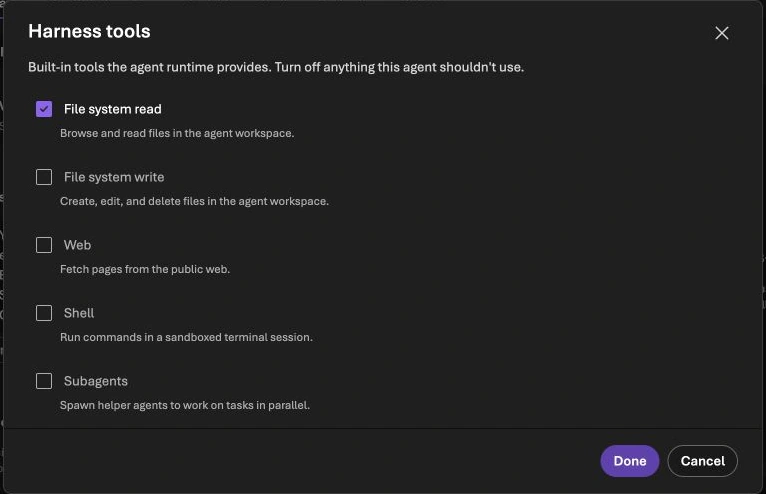
Harness tools on an existing ModernDevMgmt demo agent. The screenshot shows configuration only.
Take a task such as reviewing a fictional change ticket. Give a baseline prompt agent and a harness agent the same model and checklist. In the harness version, package the checklist and output format as a skill. Turn off tools the agent doesn’t need, such as shell execution or web access. Compare whether each agent cites the right checklist items and flags missing evidence.
Review the traces alongside the final answers. A reference to a checklist item is convincing only when you can show that the agent read the intended asset and applied its current version.
Head of AI
Jannik brings deep expertise in AI integration, modern infrastructure, and enterprise transformation at scale.
Leading Expert
Florian specializes in Intune, endpoint management, and security with extensive real-world enterprise experience.